
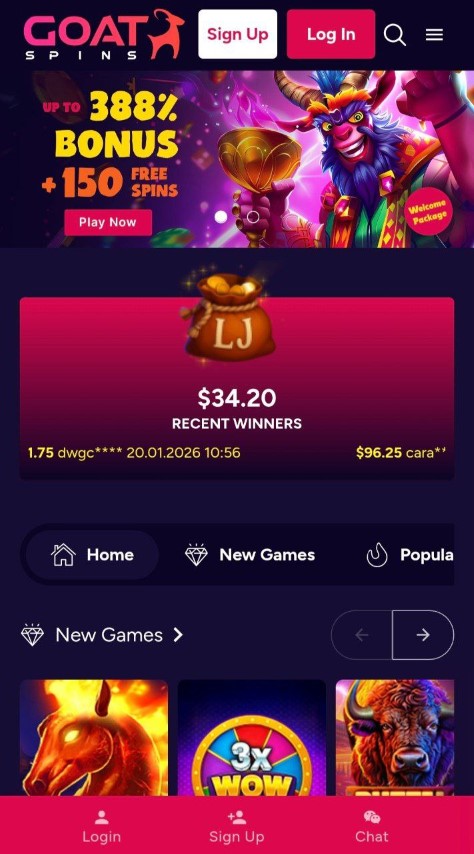
If you're hunting for the Goat Spins app in your device's app store, you might be surprised to find it doesn't exist: at least not in the traditional sense. This crypto-friendly casino takes a different approach to mobile gaming, one that actually works better for many players. Let's break down everything you need to know about playing Goat Spins on your phone or tablet in Canada. Join today in 2026 and claim your bonus!
Android users get the same streamlined experience. Chrome is the recommended browser, but Firefox and Samsung Internet work just fine too. The site loads quickly even on mid-range devices, thanks to efficient coding and optimized graphics.
Adding a home screen shortcut on Android is equally simple. Tap the three-dot menu in Chrome, select "Add to Home Screen," and give it a name. The icon appears alongside your other apps, and tapping it opens Goat Spins in a full-screen view that feels like a native app.
Goat Spins works in most modern mobile browsers thanks to its HTML5 platform. While several browsers are supported, some deliver better speed and stability for long sessions.
|
Performance Area |
What to Expect |
|
Platform Type |
HTML5 browser-based gaming |
|
Homepage Load Time |
Usually under 3 seconds |
|
Game Load Time |
5-10 seconds on average |
|
Larger Slots |
May take slightly longer to initialise |
|
Portrait / Landscape |
Auto-adjusts to both modes |
|
Recommended Mode |
Portrait for one-hand play, landscape for table games |
|
Connection Priority |
Stability matters more than raw speed |
|
Session Recovery |
~60 seconds to reconnect before timeout |
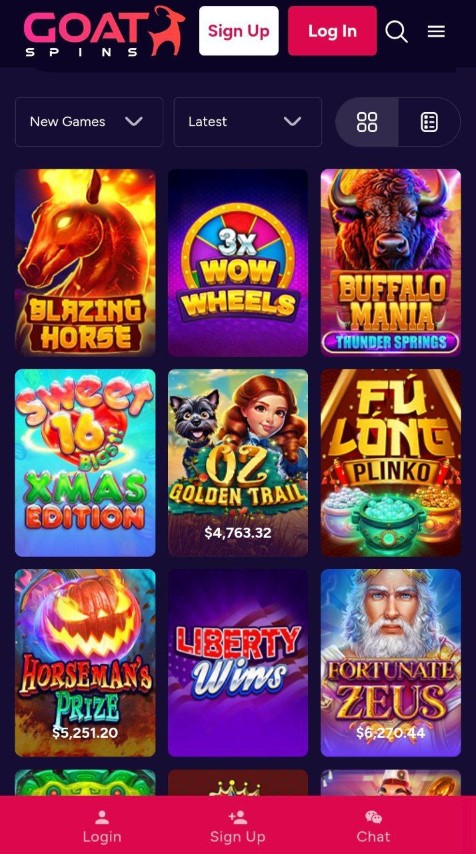
Goat Spins’ mobile version gives full access to the entire library, with no “desktop-only” titles. All games are built for browser play and work smoothly on touchscreen devices.
|
Category |
What’s Included on Mobile |
Notes |
|
Total Games |
220+ titles |
Full catalogue available |
|
Providers |
RTG (Real Time Gaming), SpinLogic Gaming |
Same content as desktop |
|
Slots |
Full selection |
Includes classic + modern themes |
|
Table Games |
Blackjack, baccarat, roulette |
Touch-friendly layouts |
|
Video Poker |
Multiple variants |
Responsive buttons for mobile |
|
Specialty Games |
Various instant-play titles |
Optimised for quick sessions |
|
Live Dealer Games |
Not available |
No live tables on any platform |
|
Feature |
How It Works |
|
Touch Controls |
Tap to spin, swipe to adjust bets |
|
Paytable View |
Pinch to zoom for easier reading |
|
Autoplay |
Same settings as desktop |
|
Screen Scaling |
Cards, wheels, and UI fit smaller screens |
|
Performance |
Smooth loading and stable play |
Popular titles like Cash Bandits 3, Buffalo Mania Deluxe, and Plentiful Treasure run well on mobile, making it easy to switch between games without lag.
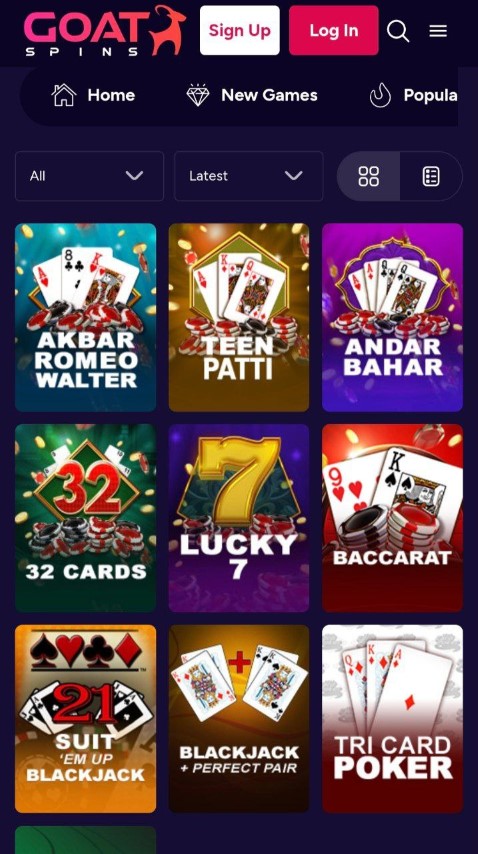
The mobile interface packs several thoughtful touches. The game lobby filters work smoothly, letting you browse by category, popularity, or newest additions. A search bar helps you jump straight to specific titles. Recently played games appear at the top for quick access. Your account dashboard is fully functional on mobile. Check your balance, view transaction history, claim bonuses, and manage settings without switching to desktop.
Use secure Wi-Fi for payments
Stick to trusted Wi-Fi when depositing or withdrawing. Avoid public hotspots, especially for crypto transfers.
Keep your browser updated
Update Safari or Chrome regularly to get the latest security fixes and smoother performance.
Clear your browser cache occasionally
Removing stored data helps prevent slow loading, freezes, and stuck game screens.
Adjust screen timeout before long sessions
Increase your auto-lock time so your phone doesn’t lock mid-spin or during a bonus round.
Save battery during gameplay
Lower brightness slightly and close background apps to reduce heat and improve performance.
Plan for longer sessions
Keep a charger nearby if you’re playing for a while or switching between many games.
Watch mobile data usage
Games use more data when loading or switching titles, so use Wi-Fi or monitor usage in device settings.
No, Goat Spins doesn't offer a downloadable app for iOS or Android. The casino operates entirely through mobile browsers using HTML5 technology. You can add a home screen shortcut that functions like an app icon.
Yes, all bonuses available at Goat Spins work on mobile. You can enter bonus codes, claim no-deposit offers, and complete wagering requirements directly from your phone or tablet.
Crypto withdrawals typically process in 10 to 30 minutes after approval. The casino allows one instant payout per day. KYC verification may take up to 24 hours for first-time withdrawals.
The entire game library of 220+ titles is available on mobile. All slots, table games, video poker, and specialty games from RTG and SpinLogic Gaming are optimized for touchscreen devices.
Yes, the mobile site uses the same encryption and security measures as the desktop version. Always access the casino through a secure connection and avoid public Wi-Fi for financial transactions.
Absolutely. Your account, balance, and game progress sync across all devices. You can start playing on your phone and continue on the desktop, or vice versa, without any issues.
